Apollo Group TV Payment Issues in 2025: Causes, Solutions, and How to Get a Refund
Direct Answer: Why Are Apollo Group TV Payment Issues ?

Apollo Group TV payment issues in 2025 stem from several common causes: expired or declined payment methods, billing address mismatches, insufficient funds, payment processor restrictions on IPTV services, VPN interference with transaction verification, and occasional server-side processing errors. Most payment failures resolve quickly by updating payment information, disabling VPNs during checkout, or contacting your bank to authorize the transaction. If problems persist beyond 48 hours or you’ve been charged without service activation, you’re entitled to request a full refund through Apollo Group TV’s support channels.
Understanding these payment challenges and knowing the exact steps to resolve them saves time, prevents duplicate charges, and ensures uninterrupted access to your IPTV subscription.
Table of Contents
- Understanding Apollo Group TV Payment System
- Common Causes of Apollo Group TV Payment Failed Errors
- Apollo Group TV Subscription Problem: Technical Issues
- How to Fix Apollo Group TV Payment Error: Step-by-Step Solutions
- Preventing Future Payment Failures
- When Your Payment Goes Through But Service Doesn’t Activate
- Refund Request Apollo Group TV: Complete Guide
- How Long Do Apollo Group TV Refunds Take?
- Alternative Payment Methods for Apollo Group TV
- What to Do If Apollo Group TV Denies Your Refund
- Comparing Apollo Group TV Payment Issues to Other IPTV Services
- Expert Tips for Smooth IPTV Payment Processing
- Common Mistakes That Cause Payment Problems
- Frequently Asked Questions
<h2 id=”understanding-payment-system”>Understanding Apollo Group TV Payment System</h2>
Apollo Group TV processes payments through third-party payment gateways rather than direct credit card processing. This approach is common among IPTV providers operating in legally ambiguous markets, as traditional payment processors often restrict services related to content streaming.
How Apollo Group TV Processes Transactions
When you subscribe to Apollo Group TV, your payment flows through an intermediary payment platform. These platforms may appear on your bank statement under different business names unrelated to Apollo Group TV—a normal characteristic of this payment structure.
The payment processing typically involves:
Payment Submission: You enter your card details or select alternative payment options on the Apollo Group TV website or reseller portal.
Gateway Verification: The payment gateway verifies your card information and available funds with your issuing bank.
Authorization Check: Your bank either approves or declines the transaction based on fraud detection algorithms, available credit, and security protocols.
Service Activation: Upon successful payment, Apollo Group TV’s system receives notification and activates your subscription credentials.
This multi-step process creates several potential failure points where Apollo Group TV payment issues can occur.
Why IPTV Payment Processing Differs
Traditional streaming services like Netflix or Disney+ use standard merchant accounts with major payment processors. IPTV providers often face restrictions because:
- Payment processors categorize them as high-risk merchants
- Content licensing concerns raise compliance questions
- International operations complicate regulatory oversight
- Higher-than-average chargeback rates trigger processor caution
These factors mean Apollo Group TV and similar services rely on specialized payment solutions that occasionally experience more friction than mainstream platforms.
<h2 id=”common-causes”>Common Causes of Apollo Group TV Payment Failed Errors</h2>
Understanding why your Apollo Group TV payment failed helps you target the right solution immediately.
Expired or Invalid Payment Cards
The most straightforward cause of payment failures involves expired cards, incorrect card numbers, or mismatched CVV codes. Even a single-digit error triggers immediate rejection.
Check your card expiration date and verify every number matches your physical card exactly. Many users accidentally transpose digits or use old card information saved in browsers.
Insufficient Available Credit or Funds
If your credit card has reached its limit or your debit card account lacks sufficient balance, the transaction automatically fails. This occurs even for small subscription amounts if you’re at your credit threshold.
Review your available credit or bank balance before attempting payment. Remember that pending transactions and holds reduce available funds even before they post to your account.
Billing Address Mismatch
Payment processors verify that the billing address you enter matches the address registered with your card issuer. Even minor discrepancies—abbreviating “Street” as “St” when your bank has “Street,” or using apartment numbers differently—can trigger failures.
Enter your billing address exactly as it appears on your bank statements, including proper capitalization and spacing.
Bank Fraud Prevention Blocks
Modern fraud detection systems monitor unusual transactions. If you’ve never purchased from Apollo Group TV’s payment processor before, or the merchant name seems unfamiliar, your bank may automatically decline the transaction as potential fraud.
International transactions face particular scrutiny. If Apollo Group TV’s payment gateway processes through overseas merchants, banks often block these transactions by default.
VPN Interference With Payment Verification
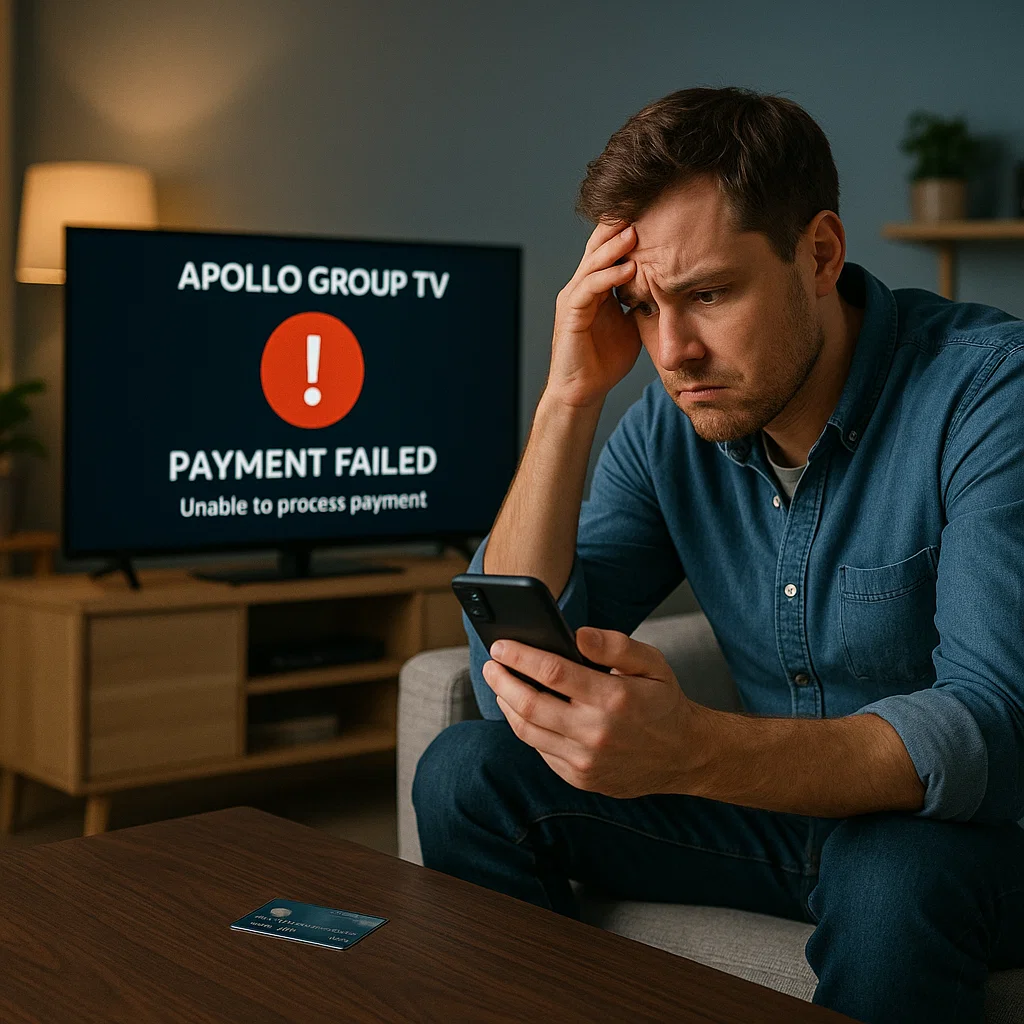
Using VPNs during checkout creates location mismatches that trigger security flags. If your VPN shows you’re in Germany but your billing address is in Texas, payment systems flag this inconsistency as suspicious.
Payment processors verify that your IP address location reasonably matches your billing information. Significant discrepancies result in automatic declines.
Payment Processor Server Issues
Occasionally, the payment gateway itself experiences technical difficulties, maintenance periods, or temporary outages. These issues affect all customers simultaneously and typically resolve within hours.
If you encounter payment errors during unusual hours or see widespread complaints on social media, server-side problems may be responsible.
Card Type Restrictions
Some payment gateways don’t accept certain card types. Prepaid cards, virtual cards, and some gift cards frequently face restrictions on subscription services. Business cards may also require special authorization.
Standard personal credit and debit cards from major issuers (Visa, Mastercard, American Express, Discover) generally process without restrictions.
<h2 id=”technical-issues”>Apollo Group TV Subscription Problem: Technical Issues</h2>
Beyond payment processing errors, technical glitches can create subscription problems even after successful payment.
Account Activation Delays
Apollo Group TV typically activates accounts within minutes of payment confirmation. However, system delays sometimes extend this window to several hours. During high-traffic periods—promotional events or major sporting events—activation queues lengthen.
Wait at least 2 hours after payment confirmation before assuming activation has failed. Check your email for confirmation messages that may have landed in spam folders.
Duplicate Subscription Attempts
Clicking “submit payment” multiple times when a page loads slowly can create duplicate transactions. Your bank may approve both charges even though you only intended one subscription.
This results in being charged twice while receiving a single service activation. Contact Apollo Group TV support immediately if you notice duplicate charges—these typically qualify for automatic refunds.
Incorrect Subscription Package Selection
During checkout, selecting the wrong subscription tier or duration can cause confusion. If you intended to purchase a monthly subscription but accidentally selected an annual plan, you’ll be charged the higher amount.
Review your cart carefully before submitting payment, especially if you’re unfamiliar with the website layout or navigating on mobile devices.
Reseller vs. Direct Purchase Confusion
Apollo Group TV operates through both direct sales and authorized resellers. Payment methods, pricing, and refund policies may vary depending on your purchase channel.
If you bought through a reseller and attempt to resolve payment issues with Apollo Group TV directly, you’ll face complications. Always work through the same sales channel where you made your original purchase.
Account Credential Delivery Failures
After successful payment, Apollo Group TV sends subscription credentials via email. If this email fails to deliver due to spam filters, incorrect email addresses, or server issues, you can’t activate service despite paying.
Always verify the email address you provide during checkout and check spam folders within 30 minutes of payment.
<h2 id=”fix-payment-errors”>How to Fix Apollo Group TV Payment Error: Step-by-Step Solutions</h2>
Follow these systematic steps to resolve Apollo Group TV payment failed errors efficiently.
Step 1: Verify Basic Payment Information
Before trying anything technical, confirm these fundamentals:
- Card number entered correctly with no missing or extra digits
- Expiration date is current and accurate
- CVV code matches your physical card
- Billing name matches the name on your card exactly
- Billing address matches your bank’s records precisely
Correct any discrepancies and attempt payment again.
Step 2: Disable VPN and Proxy Services
If you’re using a VPN, proxy service, or Tor browser:
- Completely disconnect from the VPN or proxy
- Clear your browser cache and cookies
- Restart your browser
- Navigate to Apollo Group TV’s payment page again
- Attempt the transaction with your actual IP address visible
This eliminates location verification conflicts.
Step 3: Try a Different Payment Method
If your primary card continues failing:
- Use a different credit or debit card
- Select alternative payment options if available (PayPal, cryptocurrency, payment apps)
- Borrow a card from a trusted family member if you suspect your card is specifically blocked
Different cards from different banks may not trigger the same security flags.
Step 4: Contact Your Bank
Call the customer service number on the back of your card and:
- Inform them you’re attempting a legitimate purchase that’s being declined
- Ask if they’ve blocked transactions to the merchant name processing Apollo Group TV payments
- Request they authorize the specific transaction amount
- Inquire about any international transaction restrictions on your account
Banks can whitelist specific merchants or temporarily lift restrictions.
Step 5: Use a Different Device or Browser
Technical issues sometimes relate to your device or browser:
- Switch from mobile to desktop or vice versa
- Try a different browser (Chrome, Firefox, Safari, Edge)
- Ensure JavaScript is enabled
- Disable browser extensions that might interfere with payment processing
- Use incognito or private browsing mode
Browser cache conflicts or extension interference occasionally disrupts payment forms.
Step 6: Wait and Retry During Different Hours
If payment gateway servers are experiencing issues:
- Wait 3-6 hours before attempting payment again
- Try during off-peak hours (early morning or late night in your timezone)
- Check Apollo Group TV’s social media for service status updates
Server-side issues resolve on their own once technical teams address them.
Step 7: Contact Apollo Group TV Support
If none of these steps work:
- Email Apollo Group TV support with your payment error details
- Include screenshots of error messages (remove sensitive card information)
- Provide the approximate date and time of your payment attempts
- Request alternative payment instructions
Support teams often provide direct payment links or manual processing for persistent issues.
<h2 id=”preventing-failures”>Preventing Future Payment Failures</h2>
Once you’ve resolved your current payment issue, implement these practices to avoid future problems.
Keep Payment Information Updated
Set calendar reminders for when your payment cards expire. Update your Apollo Group TV account with new card information before your current card expires to prevent subscription interruption.
Notify Your Bank About Recurring Charges
Inform your bank that you have a recurring subscription charge from Apollo Group TV’s payment processor. Some banks allow you to whitelist specific merchants in your online banking portal.
Save Successful Payment Confirmation
Keep records of successful payment confirmations, including:
- Transaction confirmation emails
- Bank statement entries showing charges
- Screenshot of your Apollo Group TV account showing active subscription
These records prove payment if activation issues occur.
Use the Same Payment Method Consistently
Repeatedly using the same card for subscription renewals builds a positive transaction history with payment processors, reducing fraud flags.
Monitor Your Email for Renewal Notices
Apollo Group TV typically sends renewal reminders before subscription expiration. These notices alert you to upcoming charges and give you time to update payment methods if needed.
<h2 id=”payment-no-activation”>When Your Payment Goes Through But Service Doesn’t Activate</h2>
This frustrating scenario—where your bank statement shows a charge but your Apollo Group TV subscription remains inactive—requires specific action.
Immediate Steps to Take
Check Your Email: Look for activation credentials in both inbox and spam folders. Sometimes automated emails get delayed or filtered.
Verify Transaction Status: Confirm in your bank account that the charge isn’t still pending. Pending charges may disappear if the transaction ultimately fails.
Wait 24 Hours: Activation delays occasionally extend beyond normal timeframes during system updates or high-traffic periods.
Check Your Account Dashboard: Log into Apollo Group TV’s website to see if your subscription status has updated even if you haven’t received credentials.
Contacting Support for Activation Issues
When contacting Apollo Group TV support about payment-without-activation:
- Provide your transaction ID from your bank statement
- Include the exact charge amount and date
- Share any confirmation emails you received
- Specify that payment completed but service didn’t activate
This information helps support teams locate your payment and manually activate your subscription.
Preventing Duplicate Payments During Resolution
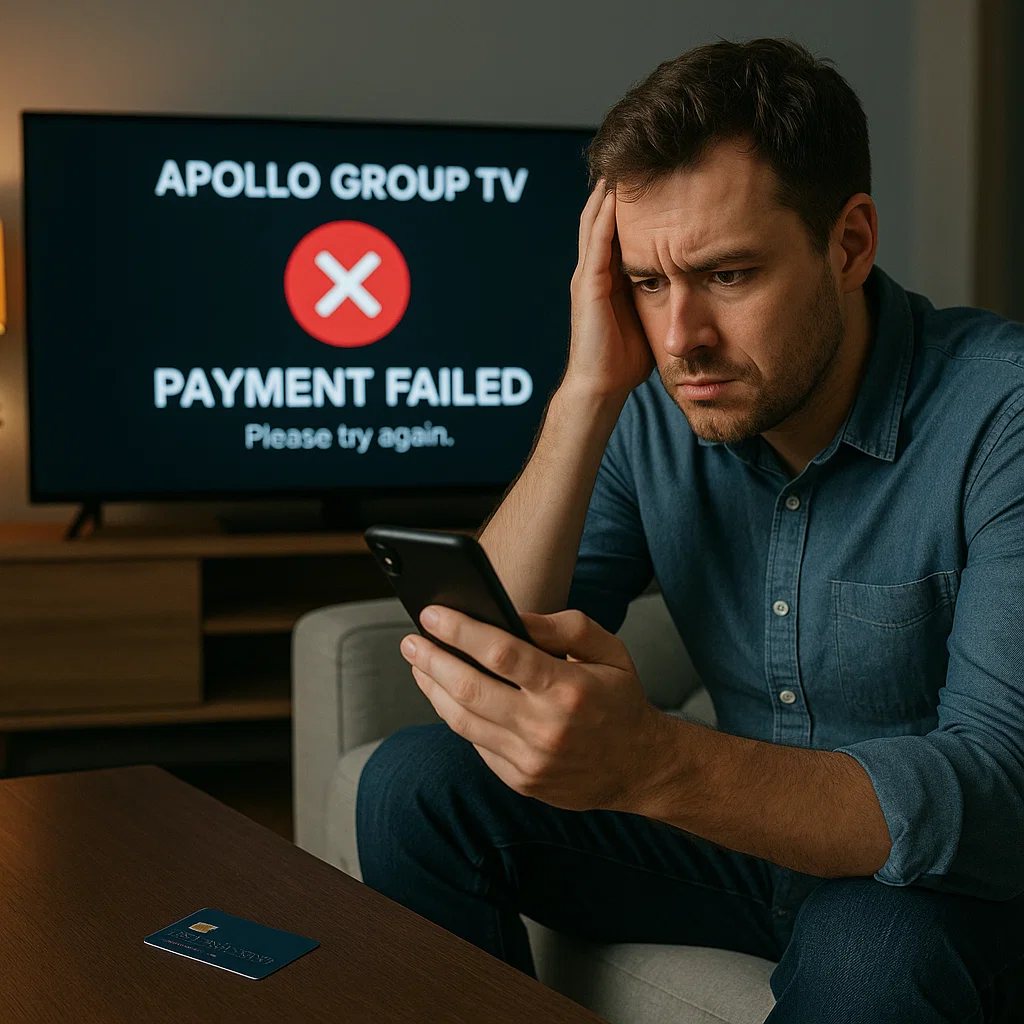
While waiting for activation issue resolution, do not attempt additional payments. Multiple payment attempts for the same subscription create refund complications and duplicate charge disputes.
If support takes longer than 48 hours to respond, only then consider attempting payment through an alternative method, and immediately notify support that you’ve submitted a second payment due to non-activation of the first.
<h2 id=”refund-guide”>Refund Request Apollo Group TV: Complete Guide</h2>
When resolution isn’t possible or you’re dissatisfied with service, requesting a refund becomes necessary.
Valid Reasons for Apollo Group TV Refunds
Apollo Group TV typically honors refund requests for:
- Payment Without Service Activation: You were charged but never received working credentials or access
- Double Charging: You were billed multiple times for the same subscription period
- Service Non-Performance: The service doesn’t work as described despite proper setup
- Accidental Purchase: You selected the wrong subscription package or made an unintended purchase
- Billing Errors: You were charged an incorrect amount
Apollo Group TV Refund Policy Terms
Most IPTV services, including Apollo Group TV, operate under limited refund policies:
- Refunds typically must be requested within 7-14 days of payment
- You may need to demonstrate troubleshooting attempts before approval
- Partial refunds may apply if you’ve used the service extensively
- Refund eligibility often excludes situations where service worked initially
Review the specific terms accepted during your purchase, as these terms govern your refund rights.
Step-by-Step Refund Request Process
Step 1: Gather Documentation
Collect these materials before contacting support:
- Bank statement showing the charge
- Screenshots of error messages or non-working service
- Your account username or email address
- Transaction confirmation number
- Any previous support ticket numbers
Step 2: Contact Apollo Group TV Support
Send a detailed refund request via:
- Official support email listed on Apollo Group TV’s website
- Support ticket system in your account dashboard
- Contact form on their website
If you purchased through a reseller, contact that reseller directly instead.
Step 3: Write a Clear Refund Request
Your refund request should include:
Subject Line: “Refund Request – [Your Transaction ID or Account Email]”
Body:
- Your full name and account email address
- Transaction date and amount
- Specific reason for refund request
- Description of troubleshooting attempts if applicable
- Request for specific refund amount
- Preferred refund method
- Timeframe expectation for response
Step 4: Follow Up Appropriately
If you don’t receive a response within 48-72 hours:
- Send one polite follow-up email referencing your original request
- Check spam folders for support responses
- Try alternative contact methods listed on their website
Avoid sending multiple aggressive demands, which can delay processing.
What to Do If Email Support Is Unresponsive
Some IPTV services have limited customer support infrastructure. If email support fails:
- Check if Apollo Group TV has live chat support
- Look for official social media channels where you can send direct messages
- Search for community forums where administrators respond
- Consider disputing the charge with your bank if you receive no response after 14 days
<h2 id=”refund-timeline”>How Long Do Apollo Group TV Refunds Take?</h2>
Understanding typical refund timelines helps set realistic expectations.
Initial Response Timeline
Apollo Group TV support should acknowledge your refund request within 24-72 hours. This initial response may request additional information or confirm that your request is under review.
If you receive no acknowledgment within 5 business days, follow up with a second message.
Refund Decision Timeline
Once support reviews your case, expect a decision within 3-7 business days. Complex situations requiring supervisor review may take up to 10 business days.
Faster decisions typically occur for obvious errors like duplicate charging or payment-without-activation scenarios.
Payment Reversal Timeline
After Apollo Group TV approves your refund:
- Credit card refunds: 5-10 business days for the credit to appear on your statement
- Debit card refunds: 3-7 business days typically
- PayPal refunds: 1-3 business days
- Cryptocurrency refunds: Timing varies by currency and network congestion
Your bank’s processing schedule affects these timelines—Apollo Group TV initiates the refund, but your financial institution controls when it posts to your account.
Full Refund Process Timeline
From initial request to money back in your account:
- Best case: 7-10 days total
- Average case: 10-17 days total
- Worst case: 20-30 days if complications arise
Keep all correspondence during this period in case you need to escalate.
<h2 id=”alternative-payments”>Alternative Payment Methods for Apollo Group TV</h2>
If traditional payment methods consistently fail, alternative options may succeed.
Cryptocurrency Payments
Many IPTV providers, including Apollo Group TV or its resellers, accept cryptocurrency:
Advantages:
- No bank interference or fraud blocks
- Often qualify for discounts
- Enhanced transaction privacy
- No chargeback capabilities protect sellers
Disadvantages:
- Cryptocurrency refunds are complicated or impossible
- Requires cryptocurrency wallet setup
- Price volatility affects costs
- Less consumer protection
Digital Payment Platforms
Services like PayPal, Venmo, or Cash App sometimes work when direct card payments fail:
Advantages:
- Additional layer between your bank and merchant
- Built-in dispute resolution
- Easier transaction tracking
- May bypass specific card restrictions
Disadvantages:
- Not all IPTV services accept these platforms
- Payment apps may also restrict IPTV transactions
- Additional processing fees possible
Prepaid Cards and Virtual Cards
Prepaid cards purchased with cash or virtual card numbers from privacy services offer alternatives:
Advantages:
- Limited financial exposure
- Enhanced privacy
- Avoids connecting your primary bank account
Disadvantages:
- May be rejected by payment processors
- Refund processing is complicated
- Requires advance purchase and funding
Direct Bank Transfers or Wire Transfers
Some resellers accept direct bank transfers:
Advantages:
- Bypasses card processor restrictions
- Often works when other methods fail
Disadvantages:
- No consumer protection or chargeback rights
- Slower processing
- Potential banking fees
- Higher fraud risk
<h2 id=”denied-refund”>What to Do If Apollo Group TV Denies Your Refund</h2>
If Apollo Group TV rejects your refund request, you still have options.
Understanding Why Refunds Get Denied
Common denial reasons include:
- Request submitted beyond refund eligibility window
- Inability to verify your payment
- Evidence you used the service extensively
- Violation of terms of service
- Purchase made through unauthorized reseller
Request specific explanation for denial in writing.
Escalating Within Apollo Group TV
Ask to escalate your refund request to a supervisor or manager. Sometimes front-line support staff lack authority to approve exceptions, but supervisors can exercise discretion.
In your escalation request:
- Remain calm and professional
- Restate your situation clearly
- Provide any additional supporting evidence
- Reference specific terms of service sections supporting your position
- Propose reasonable compromise solutions
Disputing Charges With Your Bank
If Apollo Group TV refuses a refund you believe is justified:
Contact Your Bank’s Dispute Department:
- Call the number on your card or visit your bank
- Request to dispute the charge
- Explain that you paid for service not received or that met refund criteria
Provide Documentation:
- Bank statement showing the charge
- Correspondence with Apollo Group TV support
- Screenshots proving service failure or non-activation
- Timeline of events
Understanding Chargeback Implications:
- Banks typically side with customers for clear-cut issues
- Chargeback success rates are high for non-delivered services
- Apollo Group TV will likely terminate your account if you file a chargeback
- Successful chargebacks may prevent future purchases from the same merchant
Small Claims Court Option
For larger disputed amounts (typically over $50-100), small claims court provides a legal remedy:
This option makes sense when:
- The amount is significant enough to justify time investment
- You have clear documentation of payment and service failure
- Apollo Group TV has a physical business address in your jurisdiction
- Other resolution methods have been exhausted
Consult local small claims procedures, as processes vary by location.
<h2 id=”comparison”>Comparing Apollo Group TV Payment Issues to Other IPTV Services</h2>
Understanding how Apollo Group TV’s payment challenges compare to competitors provides context.
Industry-Wide IPTV Payment Challenges
Most IPTV services face similar payment processing obstacles:
- Limited access to mainstream payment processors
- Higher rates of payment declines due to merchant categorization
- Reliance on third-party payment gateways
- Inconsistent refund policies and support responsiveness
These challenges aren’t unique to Apollo Group TV but reflect broader industry dynamics.
Services With Better Payment Reliability
Legitimate streaming services like YouTube TV, Hulu Live, and Sling TV experience fewer payment issues because:
- They use standard merchant accounts with major processors
- Payment methods appear clearly on bank statements
- Customer support infrastructure is more robust
- Refund processes follow standard retail practices
However, these services cost significantly more than IPTV alternatives like Apollo Group TV.
IPTV Services With Similar Issues
Other IPTV providers experiencing comparable payment problems include services operating in similar market spaces. The challenges stem from industry positioning rather than individual company decisions.
When choosing IPTV services, expect payment friction as a trade-off for lower costs compared to mainstream alternatives.
<h2 id=”expert-tips”>Expert Tips for Smooth IPTV Payment Processing</h2>
Industry insiders and experienced IPTV users share these strategies for successful transactions.
Use Dedicated Payment Cards
Consider using a specific credit card exclusively for IPTV and similar services. This approach:
- Allows you to set low credit limits for security
- Makes transaction tracking easier
- Lets you quickly identify unauthorized charges
- Simplifies cancellation if necessary
Document Everything From the Start
Before making your first payment:
- Screenshot the subscription terms and pricing
- Save copies of all confirmation pages
- Keep email confirmations in a dedicated folder
- Note the date, time, and amount of transactions
This documentation becomes invaluable if disputes arise.
Test With Shortest Subscription First
Even if monthly subscriptions cost more than annual plans per month, start with the shortest option:
- Verify the service works before committing to longer terms
- Confirm payment processing works smoothly
- Test customer support responsiveness
- Ensure service quality meets expectations
You can always upgrade to annual plans once you’re confident.
Read Community Experiences
Before subscribing, search Reddit, independent forums, and social media for recent user experiences with Apollo Group TV payment processing:
- Look for patterns in recent complaints
- Note how support handles payment issues
- Identify current payment processors being used
- Learn which payment methods work most reliably
Recent community feedback often reveals current issues not reflected in official marketing.
Keep Communication Professional
When contacting support about payment issues:
- Stay calm and factual
- Avoid accusatory language
- Provide specific details
- Request specific actions
- Follow up professionally
Support staff respond more helpfully to respectful, well-documented requests than to angry demands.
<h2 id=”common-mistakes”>Common Mistakes That Cause Payment Problems</h2>
Avoiding these frequent errors prevents many Apollo Group TV payment issues.
Rushing Through Checkout
Taking extra seconds to verify information before clicking “submit payment” prevents most avoidable errors. Double-check:
- Card number entry
- Expiration date
- CVV code
- Billing address spelling and format
- Email address accuracy
- Selected subscription package
Ignoring Browser Security Warnings
If your browser displays security warnings about the payment page, stop and investigate. While some warnings result from certificate issues rather than actual threats, don’t ignore them completely.
Verify you’re on the legitimate Apollo Group TV website by checking the URL carefully.
Using Public WiFi for Payments
Public WiFi networks at coffee shops, airports, or hotels increase security risks. Payment information transmitted over unsecured networks faces potential interception.
Use cellular data or secure home/office networks for IPTV payment transactions.
Forgetting About Card Changes
When banks issue replacement cards—even when card numbers stay the same—the CVV code or expiration date changes. Update saved payment information immediately when you receive new cards.
Not Reading Payment Processor Names
The name appearing on your bank statement may differ significantly from “Apollo Group TV.” If you see an unfamiliar charge and panic, you might dispute a legitimate Apollo Group TV payment.
Note the payment processor name during checkout so you recognize the charge later.
<h2 id=”faqs”>Frequently Asked Questions</h2>
Why does my Apollo Group TV payment keep getting declined?
Payment declines typically result from billing address mismatches, insufficient funds, bank fraud blocks on unfamiliar merchants, VPN interference with location verification, or expired card information. Verify your payment details match your bank’s records exactly, disable any VPNs, and contact your bank to authorize the transaction.
How do I request a refund from Apollo Group TV?
Email Apollo Group TV support at their official contact address with your transaction details, account information, and specific reason for the refund request. Include your bank statement showing the charge, any error screenshots, and your preferred refund method. Refund requests typically need submission within 7-14 days of payment for consideration.
Can I get my money back if Apollo Group TV doesn’t activate my service?
Yes, payment without service activation is a valid refund reason. Contact support immediately with your transaction confirmation and explain that your account wasn’t activated despite successful payment. If support doesn’t resolve this within 5-7 business days, dispute the charge through your bank.
What payment methods does Apollo Group TV accept?
Apollo Group TV typically accepts major credit cards (Visa, Mastercard, American Express), debit cards, and sometimes alternative methods like cryptocurrency or digital payment platforms through specific resellers. Available payment options may vary depending on whether you purchase directly or through authorized resellers.
How long does it take to get a refund from Apollo Group TV?
After Apollo Group TV approves your refund request, expect 5-10 business days for credit card refunds to appear on your statement. The full process from initial request to money in your account typically takes 10-17 days, though complex cases may extend to 20-30 days.
Why was I charged twice for Apollo Group TV?
Double charges usually occur when users click “submit payment” multiple times during slow page loading or when attempting payment through multiple methods without waiting for confirmation. Contact support immediately with both transaction IDs—duplicate charges typically qualify for automatic refunds.
Can I use a prepaid card for Apollo Group TV subscription?
Some prepaid cards work with Apollo Group TV’s payment processors, but many get rejected. Standard prepaid cards from major issuers have better success rates than gift cards or virtual prepaid cards. Be aware that refund processing to prepaid cards can be complicated or impossible.
What should I do if Apollo Group TV support doesn’t respond to my refund request?
If you receive no response within 5 business days, send one polite follow-up email. After 14 days of no response, contact your bank to dispute the charge. Provide your bank with all documentation showing your payment and unanswered refund request attempts.
Conclusion: Resolving Apollo Group TV Payment Issues Successfully
Apollo Group TV payment issues in 2025, while frustrating, typically resolve through systematic troubleshooting and proper communication with support teams. Most payment failures stem from addressable causes—billing mismatches, bank security blocks, VPN interference, or simple data entry errors—rather than fundamental service problems.
When facing Apollo Group TV payment failed errors, start with basic verification of your payment information, disable any VPNs, and contact your bank about potential transaction blocks. These three steps resolve the majority of payment problems within hours. For persistent issues, Apollo Group TV support can provide alternative payment methods or manual processing assistance.
Understanding your refund rights and the proper process for refund request Apollo Group TV submissions protects your financial interests when problems can’t be resolved. Document all transactions, maintain professional communication with support, and know that bank dispute procedures provide a safety net for legitimate grievances.
The trade-off for IPTV services’ lower costs compared to traditional cable includes occasional payment processing friction. By implementing the prevention strategies outlined here—using dedicated payment cards, maintaining updated billing information, and documenting transactions—you minimize future Apollo Group TV subscription problems and ensure smoother payment experiences.
Whether you’re troubleshooting current payment errors or preparing for your first Apollo Group TV subscription, these solutions and insights give you the knowledge to navigate payment challenges confidently and protect your investment in IPTV services.